
How to Run a Tournament on Cali Fastpitch
Seven easy steps — from creating your event to a live bracket. Watch the quick walkthrough, then follow along below.
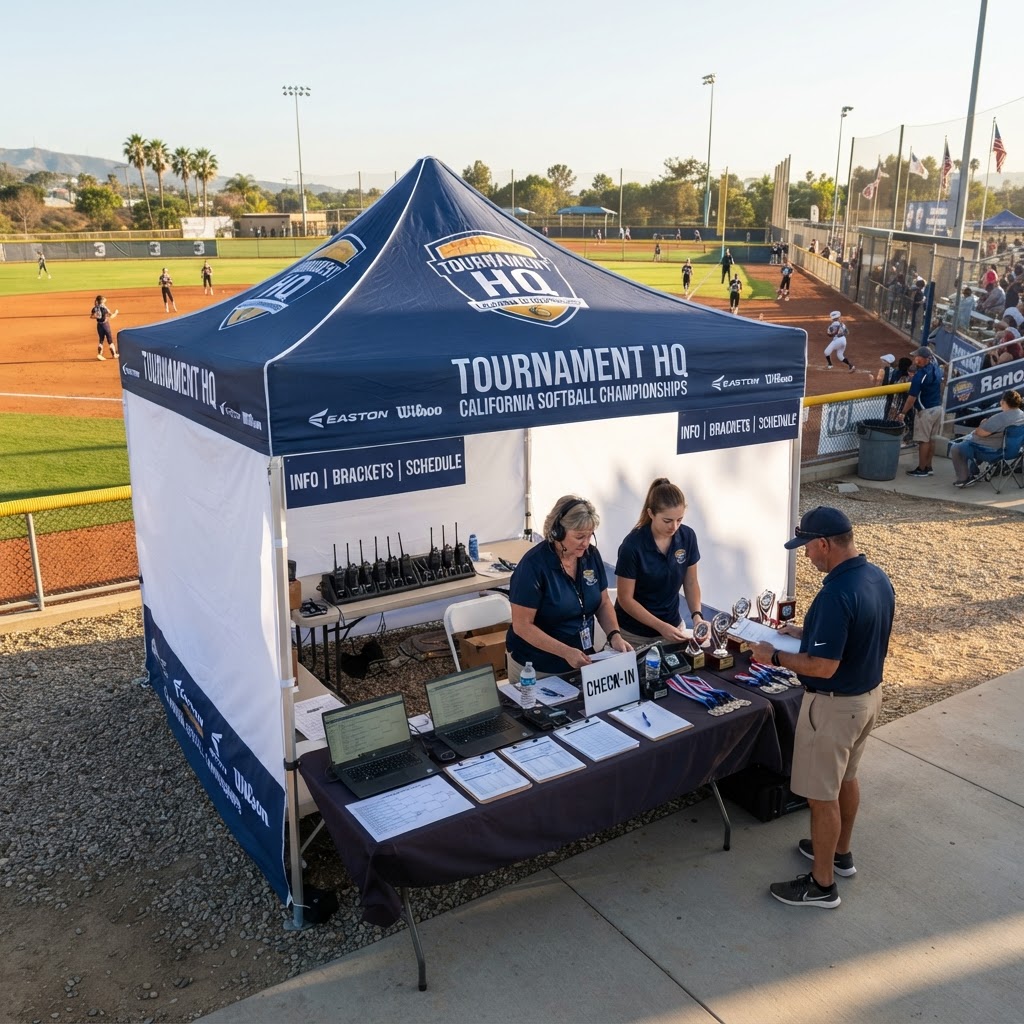
Tournament HQ — your command center for the weekend
Create your tournament
From the Tournaments page, tap New Tournament. Add your dates, location, divisions, game length, and entry fee — put YOUR email as the director contact so the event lands in your Director Console.
Add your teams
Open your event, then use Teams & Pools to add each team and assign pools (Pool A, Pool B, ...). Teams can also sign up online through your event flyer.
Generate the schedule
Use the Pool Schedule Generator on your event page to build every pool-play game with dates, times, and fields in one tap. Tweak any game afterwards with Edit.
Post scores live
As games finish, tap Score on each game and enter the final. Fans see live updates on the public schedule instantly, and you get a notification trail of every result.
Set the bracket
Seeds fill in automatically from pool results. Open the Bracket page, adjust seeds if you want, then tap Set Bracket and Post Bracket to release the championship board.
Standings — done for you
Pool standings, win-loss records, and bracket seeding update automatically from the scores you post. Nothing to calculate, nothing to email out.
Release it to the public
Your event stays private until you tap Release to Public on its page. Once released, your flyer, schedule, scores, and bracket are live for every team and fan.
Ready to run yours?
Your events are waiting in the Director Console.